
Flow editor
Workflow builder with built-in infrastructure
Chain scripts into multi-step workflows with branching, loops, retries, approval gates, and full observability.
Every step is a script
Each step in a flow is a real script in TypeScript, Python, or any supported language, with the same editor, LSP autocompletion, and resource access. Windmill handles execution, error propagation, and observability. If you prefer code over drag-and-drop, workflows as code lets you define the same logic in a single Python or TypeScript file.
Read the docsLink steps using dynamic expressions
Steps are linked by referencing previous outputs with results.step_name or JavaScript expressions. The editor provides autocompletion for available variables and validates expressions before running.
Prebuilt nodes
Beyond scripts, the flow editor provides built-in nodes for common control flow patterns.
Shared resources
Flow steps share the same resource system as standalone scripts. Declare a parameter as a resource type and the UI shows a dropdown of configured connections. Credentials are centrally managed, encrypted at rest, and injected at runtime. A single database or API connection is configured once and reused across every step that needs it.
Read the docsReal-time logs and instant testing
Flows can be tested directly from the editor. Each step streams its logs in real time, and you can inspect inputs and outputs at every step. Failed runs can be restarted from any step without re-running the entire flow.
Read the docsTriggers
Any script or workflow can be triggered by schedules, webhooks, message queues, database changes, emails, and more.
Read the docsStep-level reliability
Each step can be configured independently with retries (fixed or exponential backoff), concurrency limits, result caching, timeouts, early stop conditions, priority, and step mocking for development. All settings are opt-in per step from the flow editor.
Read the docs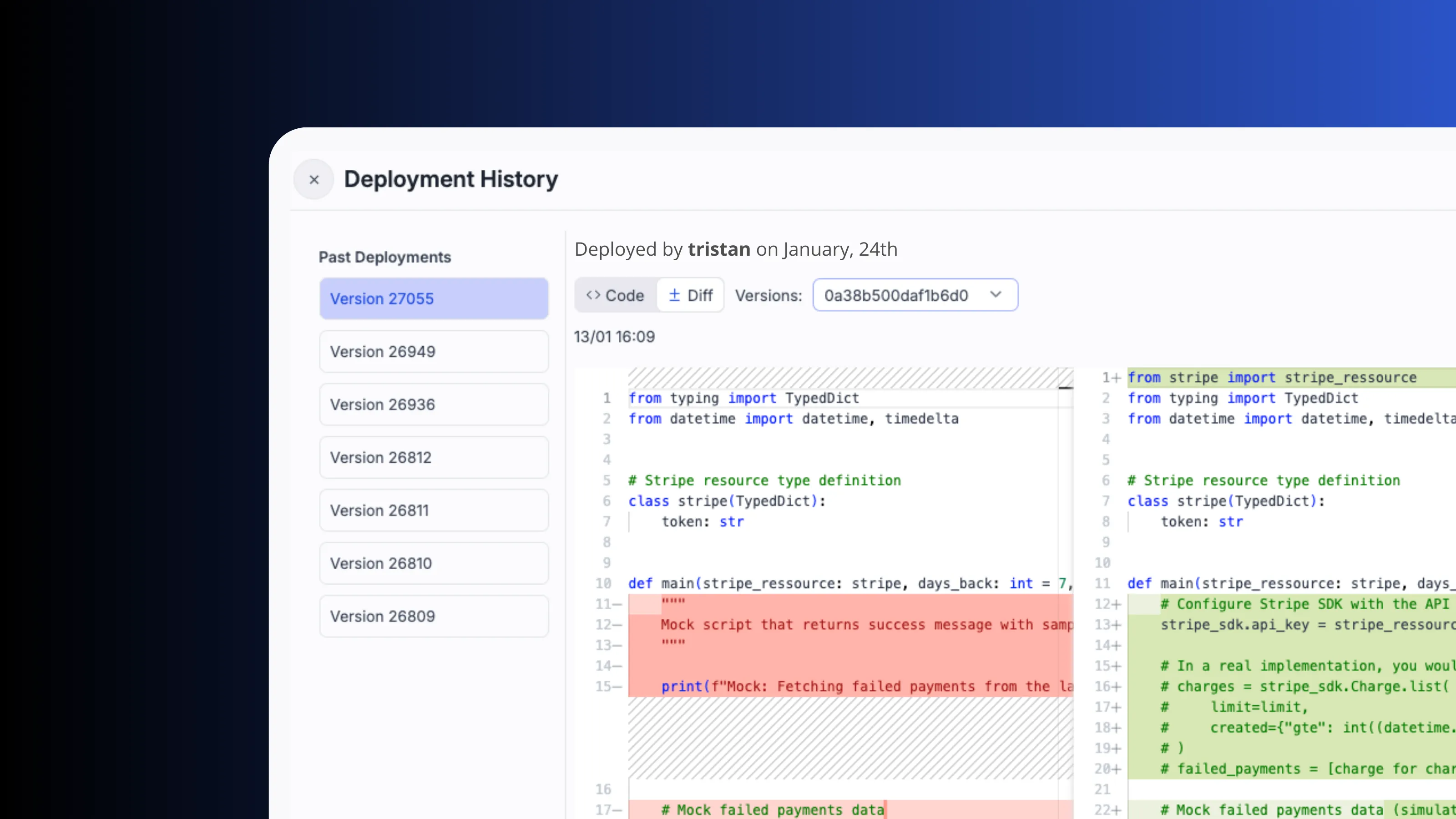
Deployment and versioning
Each deployment creates a new immutable version. View history, compare diffs, and promote flows from staging to production.
Check our versioning dedicated pageRuns on dedicated workers
Each flow step runs on an isolated worker with roughly 20ms of overhead between steps. Assign dedicated workers to eliminate cold starts.
Check our workers dedicated page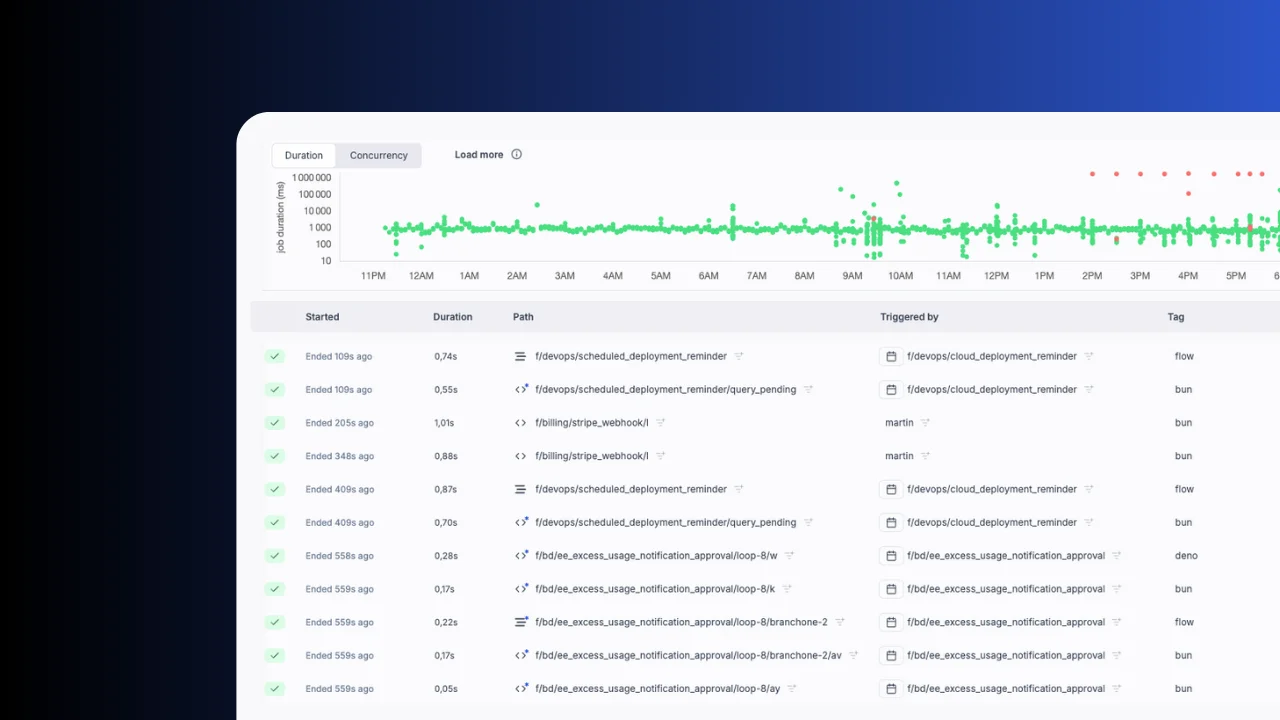
Built-in granular monitoring
Logs stream in real time. Inputs and outputs are inspectable at every step. Runs can be restarted from any step.
Check our observability dedicated pageFrequently asked questions
Build your internal platform on Windmill
Scripts, flows, apps, and infrastructure in one place.